
I still remember booting up my first Linux distro — a beat-up Pentium II with a stack of CD-Rs that I burned myself at an internet café. The kernel version was something like 2.4 or 2.6, already light-years ahead of the 0.11 that Linus Torvalds first released in 1991. But this morning, I found myself staring at something I never expected to see: a terminal running a Rust-rewritten Linux 0.11 kernel, booted from a disk image I built myself in about thirty seconds.
A developer going by Poseidon-fan took the original Linux 0.11 kernel — all 8,000 or so lines of C and assembly from 1991 — and rewrote it from scratch in idiomatic Rust. The result boots on QEMU, runs a shell with tab completion, and ships with over 80 Unix coreutils. It is, quite frankly, the coolest open-source project I’ve seen in months.
Let me walk you through how to get this thing running on your own machine, what makes it tick, and why it matters even if you’re not planning to write an operating system tomorrow.

What Exactly Is Linux 0.11-rs?
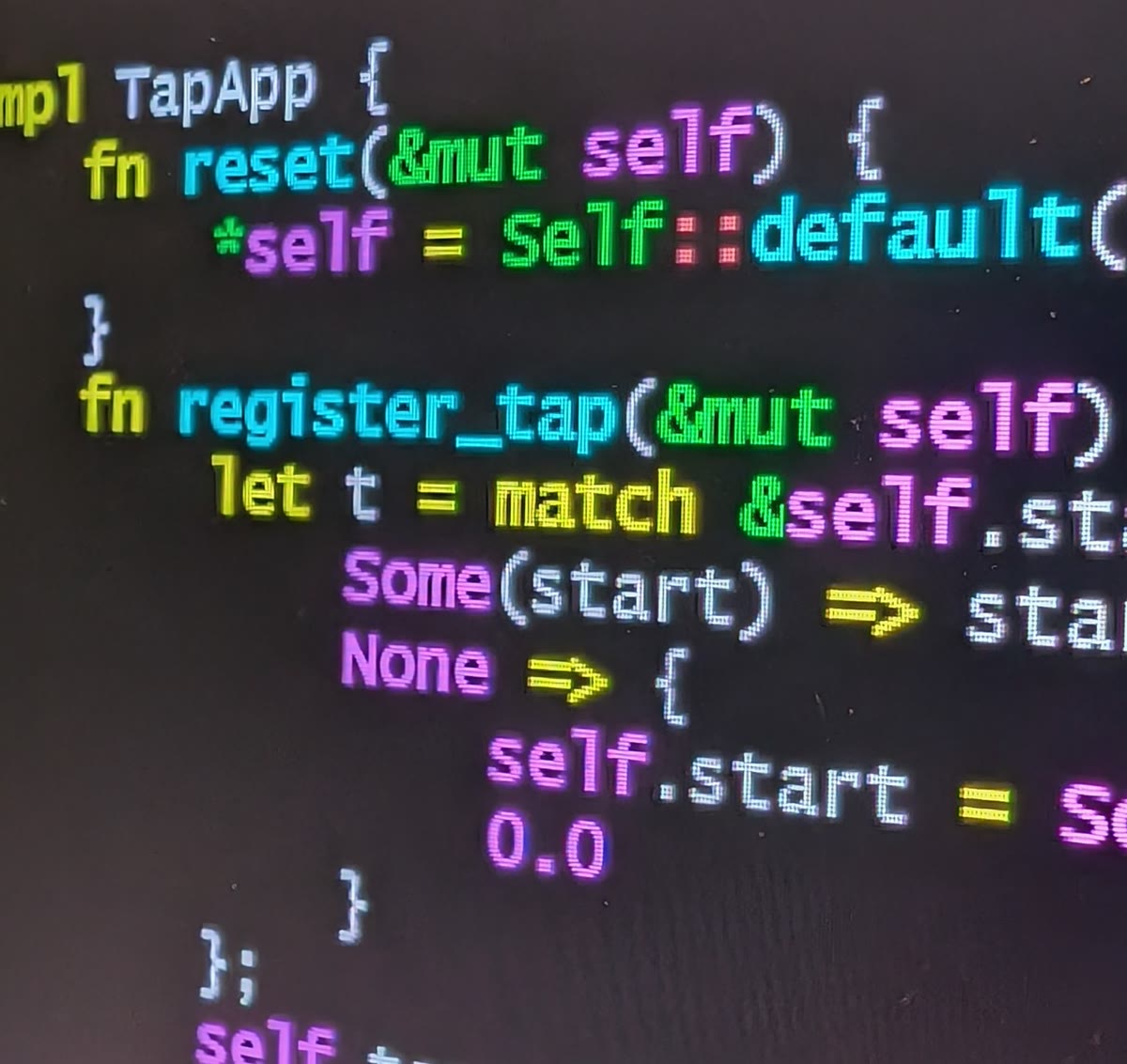
linux-0.11-rs is a from-scratch Rust rewrite of the original Linux 0.11 kernel. It’s not a translation — the author didn’t mechanically convert C to Rust line by line. It’s a reimplementation that preserves what the original does while rethinking how it’s expressed using Rust’s type system, ownership model, and module boundaries.
The project covers pretty much everything the original kernel had:
- Process management with fork, exec, wait, and exit (including copy-on-write)
- Virtual memory with demand paging
- The Minix v1 filesystem
- ATA disk driver
- VGA and PS/2 console plus 8250 serial console
- TTY layer and signals
- The complete syscall table
But the real surprise is what sits on top of the kernel. There’s user_lib — a Rust user-space library that mirrors the public API of std::{fs, io, path, env, process, time}. User programs written for this kernel read like ordinary Rust, not like raw syscall plumbing. And then there’s the userland: over 80 coreutils plus a hand-written POSIX-subset shell with pipelines, control flow, functions, glob, command substitution, arithmetic expansion, and an interactive line editor with tab completion and history.
What You’ll Need
Before we jump in, here’s the toolchain required:
- Rust nightly — the project pins a specific nightly version in
rust-toolchain.toml - QEMU system emulator for i386 —
qemu-system-i386(orqemu-system-x86on some distros) - x86_64-linux-gnu cross-binutils — for assembling and linking the boot code
- Git — to clone the repository
On Ubuntu or Debian, you can install most of these in one go:
sudo apt update
sudo apt install qemu-system-x86 binutils-x86-64-linux-gnu
For the Rust nightly toolchain, just make sure you have rustup installed, then let the project’s rust-toolchain.toml handle the rest — rustup automatically downloads and uses the pinned version.
Step 1: Clone the Repository
Start by cloning the repo and its submodules:
git clone https://github.com/Poseidon-fan/linux-0.11-rs.git
cd linux-0.11-rs
The repository layout is clean and well-organized. Here’s what you’ll find:
kernel/              The kernel itself (your main point of interest)
user_lib/            std-style Rust user-space library
user_program/        80+ coreutils + the shell
mbrkit/              MBR disk-image CLI tool
miniximg/            Minix filesystem image tool
rootfs/              /etc, /dev, /root content template
tools/               Build scripts and test runner
tutorial/            mdBook walkthrough (early draft)
ktest/               End-to-end test suite driving QEMU over serial
Step 2: Install the Local Tools
The project ships two standalone crates — mbrkit and miniximg — that handle the disk image assembly. Install them with the provided script:
tools/install-tools.sh
This builds and installs both crates onto your PATH. They’re useful on their own if you ever need to work with MBR or Minix v1 images outside this project.
Step 3: Build the Disk Image
This is the step that impressed me the most. One command compiles every user program, lays them out into a Unix-style filesystem with /etc, /dev, /bin, /root, and /tmp, and packs the result into a bootable disk image:
tools/build-disk.sh
The script runs through each crate in the user_program directory, compiles them for the i386 bare-metal target, and assembles the Minix v1 filesystem image. It took about 45 seconds on my machine. The output is a disk.img file in the repository root.
Step 4: Boot It in QEMU
This is where the magic happens. Navigate to the kernel directory and run:
cd kernel
make run
A QEMU window pops up, and within seconds, you’re looking at a booting kernel. You’ll see initialization messages scroll by — memory detection, interrupt setup, the ATA driver probing for disks — and then you land at a shell prompt that looks something like this:
Welcome to linux-0.11-rs.
https://github.com/Poseidon-fan/linux-0.11-rs
(login: 0 @ linux-rs :: Wed May 27 09:35:43 UTC 2026)
[root@linux-rs /root] #
If you’re running over SSH or in a headless environment, use the serial console variant instead:
make run-console
This adds the -nographic flag to QEMU, redirecting the serial console to your terminal. It’s actually my preferred way to use it — no window management, just a raw terminal connection to a 1991-era kernel running in Rust.
Step 5: Explore the Userland
Once you’re at the shell, you can actually use it. Let me show you a few things that work:
ls /bin                              # Browse installed commands
echo $(( 1 + 2 * 3 ))                # Arithmetic expansion
cat /etc/issue                       # Check the system banner
The shell supports more than you’d expect. Try a for loop:
for f in /etc/* ; do echo $f ; done
Or a recursive function. Yes, recursion works in this kernel’s shell:
fact () { if [ $1 -le 1 ] ; then echo 1 ; else echo $(( $1 * $(fact $(( $1 - 1 )) ))) ; fi ; }
fact 7
That returns 5040, by the way — factorial of seven, computed entirely inside a 1991-class kernel rewritten in Rust.
Tab completion works too. Type ec and hit Tab — it expands to echo. Hit the Up arrow and you’ll walk through command history. These are the small touches that turn a toy kernel into something you could actually work inside.
What Makes This Project Special
I’ve seen Rust kernel projects before — rCore and Theseus come to mind. But linux-0.11-rs takes a different approach. Instead of designing a new kernel architecture from scratch, it takes an existing, well-documented kernel with proven semantics and rebuilds it using modern Rust idioms.
The user_lib crate is the standout feature for me. It wraps syscalls in a Rust-friendly API that mirrors std::fs, std::io, and std::process. This means the user programs — all 80+ of them — look and feel like normal Rust code. There’s no inline assembly or raw register manipulation in the user space. The abstraction is clean enough that you could almost forget you’re running on bare metal.
The kernel itself is where the real Rust safety work happens. Memory management uses Rust’s ownership model. Process tables and file descriptors are managed through typed abstractions. The VGA console driver deals with raw hardware ports through safe wrappers. Every place where the original C code could silently corrupt memory — and there were plenty in 1991-era kernel code — has been replaced with Rust’s compile-time guarantees — the same safety focus that makes Rust increasingly popular in everything from operating systems to security tooling, though as I covered in the jscrambler supply chain post, even Rust isn’t immune to exploitation at the distribution layer.
Why You Should Try This Even If You’re Not an OS Developer
Spinning up Linux 0.11-rs on QEMU isn’t just a party trick. Here’s why I think it’s worth the 10 minutes it takes to get running:
- It demystifies kernels. Linux 0.11 is tiny by modern standards — roughly 8,000 lines of C. Reading the Rust port gives you a complete picture of how processes, memory, filesystems, and device drivers interact without drowning in millions of lines of modern kernel code.
- It shows Rust’s value in systems programming (much like how the npm 12 migration guide showed how developer tooling evolves to prioritize safety). Seeing ownership and borrowing applied to page tables and process control blocks makes the Rust safety model click in a way that user-space examples never quite do.
- It’s genuinely fun. There’s something magical about typing commands into a shell that’s running on a kernel you just compiled and booted. It brings back the feeling of what computing was like when you could understand the entire stack — a contrast to the modern AI-driven development world where, as I wrote in the AI coding agent safety guide, we sometimes need guardrails just to keep our tools from running destructive commands.
The Bottom Line
Linux 0.11-rs is the kind of project that reminds me why I love this field. It’s not trying to disrupt an industry or raise a funding round — like the Ant JavaScript runtime I covered recently, it’s a developer sharing something genuinely impressive. It’s a developer who took something foundational, rebuilt it with care and skill, and shared the result so the rest of us can learn from it.
The kernel boots, the shell works, and the code is clean enough to read over breakfast. If you’ve ever wondered how an operating system actually works — or if you just want to see Rust pushed to its bare-metal limits — clone the repo, run make run, and spend a few minutes inside a piece of computing history rebuilt for a new era.
You can find the project on GitHub: linux-0.11-rs by Poseidon-fan. It’s GPL-2.0 licensed, and the README alone is worth a read for the technical depth.